
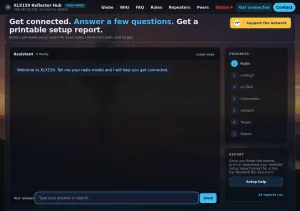
I get asked a lot how to set up a radio with a hotspot. Get Connected is a free assistant that walks you through it and prints a setup report for your gear.
I get asked a lot how to set up a radio with a hotspot. I can usually figure it out, but I spend a lot of time helping people get their radios and hotspots talking to each other. That is why I built the Get Connected project. It gives a new ham, or a ham who is new to D-STAR, an easy way to get started.
A recent example is Dave, KK7PDI. I helped Dave set up a SharkRF M1KE, a handheld that talks over Wi-Fi instead of RF, and get it connected to Module B on XLX159. The M1KE is in the Get Connected catalog now, so the next ham who buys one can work through the same setup on their own.
Get Connected is a free, chat-style setup assistant on the XLX159 Reflector Hub website. You answer a few questions about your station, and it hands you a setup report written for your radio, your hotspot and the place you want to connect. You can print the report or save it as a PDF. It was in beta for two months and went live on the morning of October 6, 2026.
New Get Connected walk through on YouTube
What is XLX159?
XLX159 is a multi-mode amateur radio reflector running the open-source XLX daemon. It bridges D-STAR, DMR, YSF, P25, NXDN and M17 in one place, with cross-mode audio mixing, so a QSO can include operators on different protocols. The reflector is open and free to use, and you do not register with us to connect.
The reflector has eight modules. Module A is open for rag chewing. Modules B, C and D are linked to the Wheels N Keels, Northwinds and Sheridan C-ARC groups through TGIF and AllStar. Module E is a parrot, so you can key up, talk, release, and hear your own audio played back after a 2-second pause. Module F links to XLX035. Modules G and H are still available to a club or group that wants a home.
Why a wizard
Getting on a reflector takes a handful of settings that all have to agree. A D-STAR radio has MYCALL, URCALL, RPT1 and RPT2 fields. A hotspot has its own web page, a frequency and a connector setting. On the reflector side, D-STAR, DMR, YSF and M17 each use a different port. Miss one and nothing happens when you key up.
Get Connected collects those pieces in one pass. A new ham enters their radio, callsign, hotspot and the place they want to connect to. The assistant puts the steps in order for that exact setup and gives them a detailed instruction sheet to print or download.
How it works
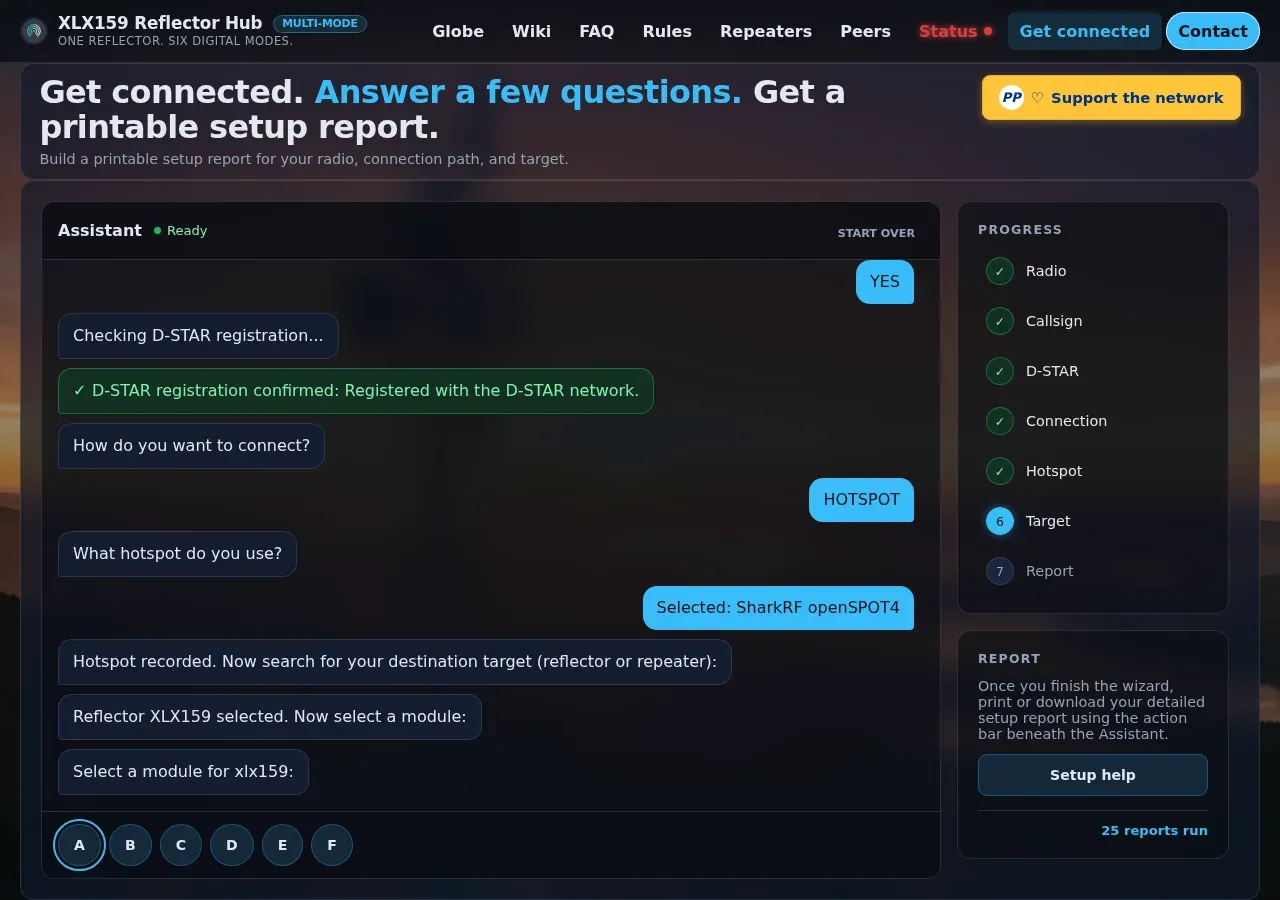
The page opens with one line: "Welcome to XLX159. Tell me your radio model and I will help you get connected." A progress panel on the right shows the seven steps: Radio, Callsign, D-STAR, Connection, Hotspot, Target and Report.
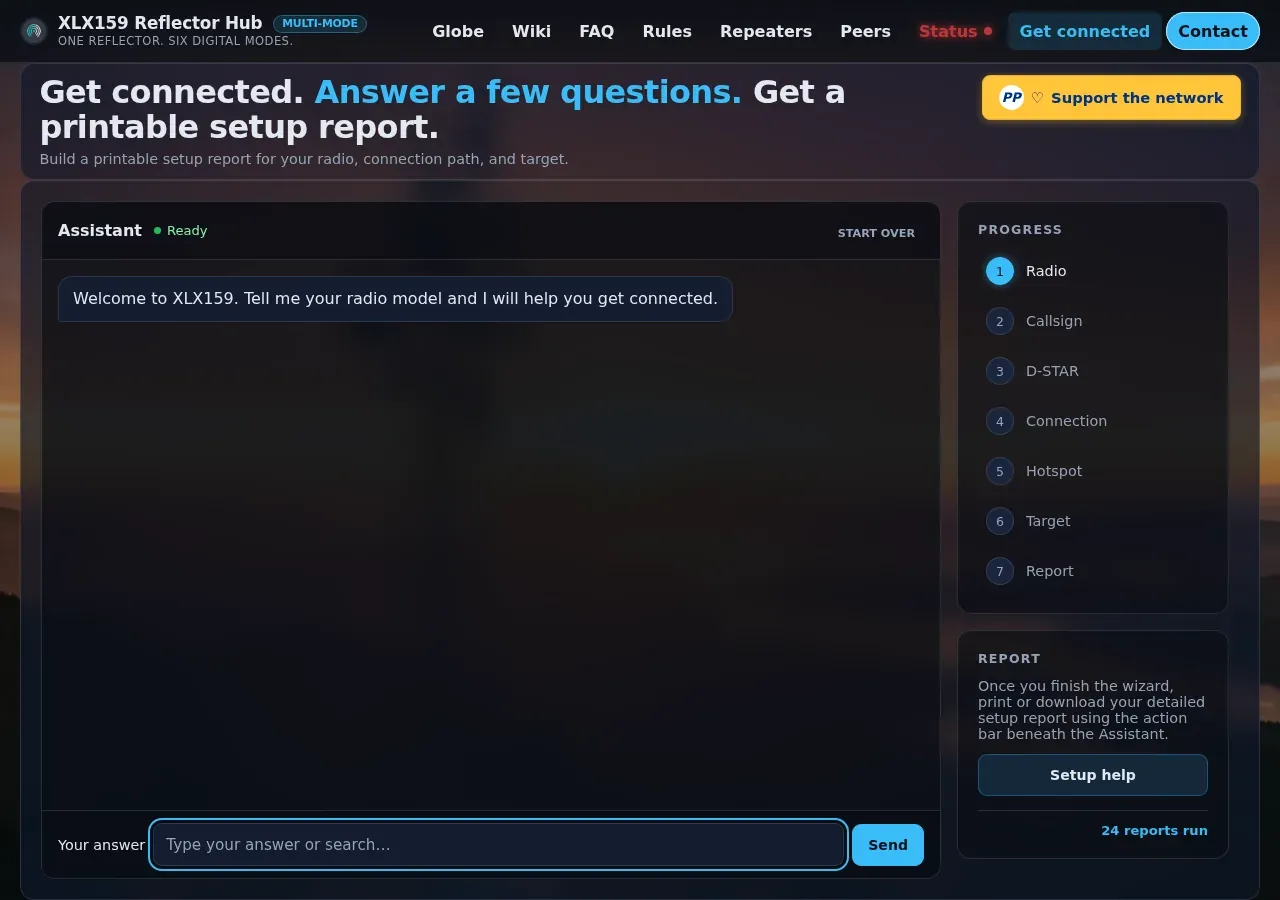
You don't need to know the exact model name. Type "ID-52" and the assistant shows ten Icom radios to pick from, including the ID-52A PLUS and the ID-51 family. Type "FT-5" and it picks the Yaesu FT-5D. The hotspot step works the same way. Type "openspot" and you get the SharkRF openSPOT2, 3, 4 and 4 Pro, along with Pi-Star and MMDVM boards like the ZUMspot.
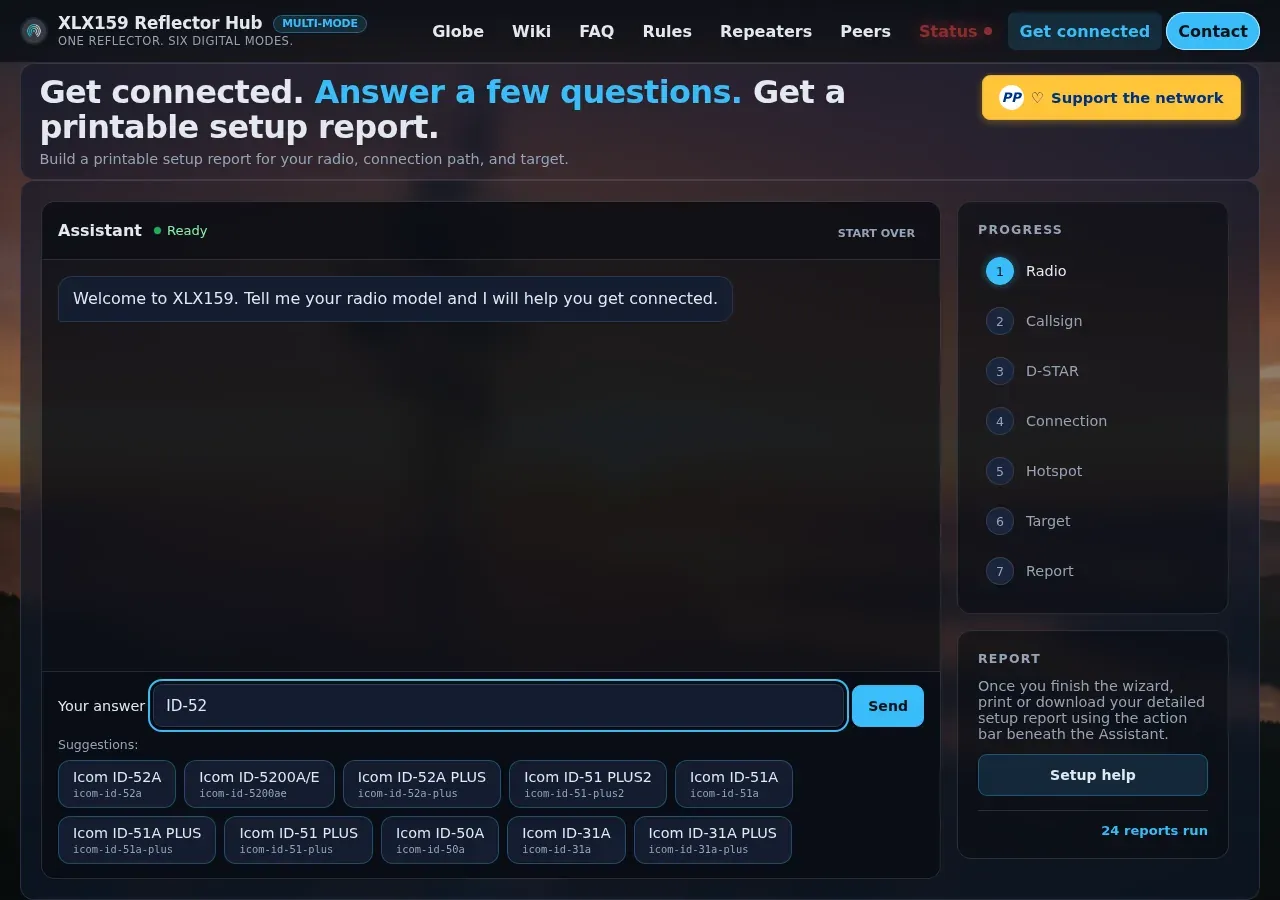
Next, the assistant asks if your callsign is registered on the D-STAR network. Answer yes and it checks for you. Run it with W7BR and it comes back with "D-STAR registration confirmed." Answer no and it explains that registration is only needed for native D-STAR, that you can still connect through a hotspot or directly, and where to register later.
Yaesu and DMR owners see the registration question too, and that is on purpose. If you come in on a Yaesu through a hotspot, your C4FM audio gets transcoded to D-STAR. Your callsign still needs to be registered on the D-STAR side for that to work.
Then you pick a hotspot or a direct connection and search for your destination. The target can be a reflector or a repeater. Pick XLX159 and the module buttons come up so you can choose where to land.
More combinations than I expected
What surprised me most was how many combinations ended up in the database. On launch day, the catalog held 41 radios and 34 hotspots. It also lists 1,656 destinations: 805 D-STAR repeaters, 758 XLX reflectors and 93 REF reflectors.
Multiply that out and you get 2,308,464 radio, hotspot and destination combinations. Add 67,896 more for a radio going direct to a repeater or reflector without a hotspot, and the total comes to 2,376,360. Not every one of those is a setup anyone would use, and some will never connect. Testing them one at a time wasn't practical, so before launch we ran 881 test cases that cover the different kinds of radios, hotspots and destinations. Every one passed.

The report
The report starts with a summary table of your radio, callsign, registration, connection type, hotspot, reflector and module, plus a status line. Below that is a short overview, then numbered instructions written for your gear.
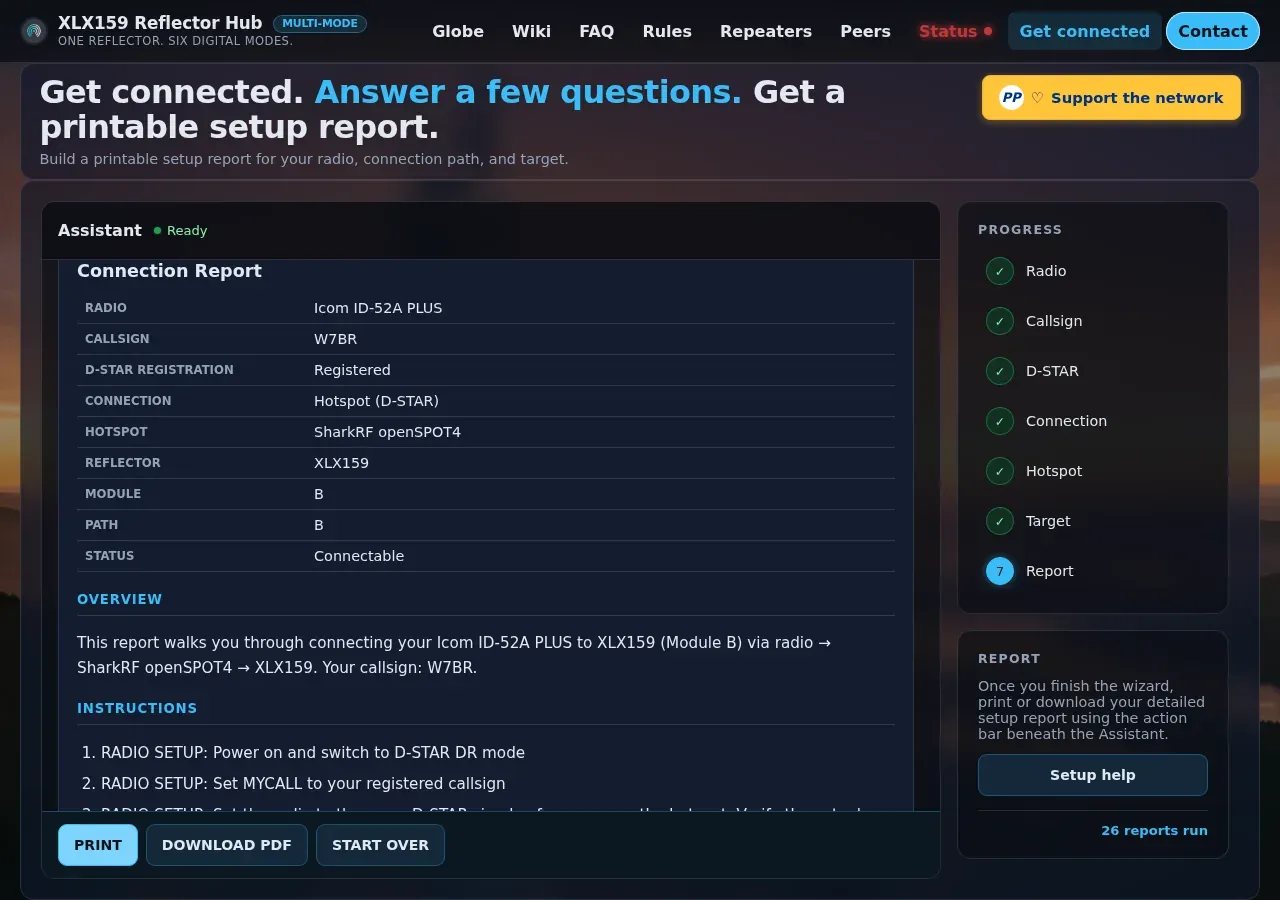
For a test run with an ID-52A PLUS and an openSPOT4, the instructions covered putting the radio in DR mode, setting MYCALL, and matching the radio to the hotspot's simplex frequency. They also say to start on low power for the first test. The hotspot section walks through the openSPOT Quick Setup page, picking XLX159 and a module in the connector settings, and waiting 10 to 30 seconds for the link. It also points out that on a hotspot path, the radio does not need RPT1 and RPT2 set for the reflector, because the hotspot handles the routing.
The first-test section keeps the first transmission low-key. It says to use an echo or test module if the reflector has one, then listen for 30 seconds before you transmit, then make a short low-power test and check the hotspot traffic log. On XLX159, the echo is Module E.
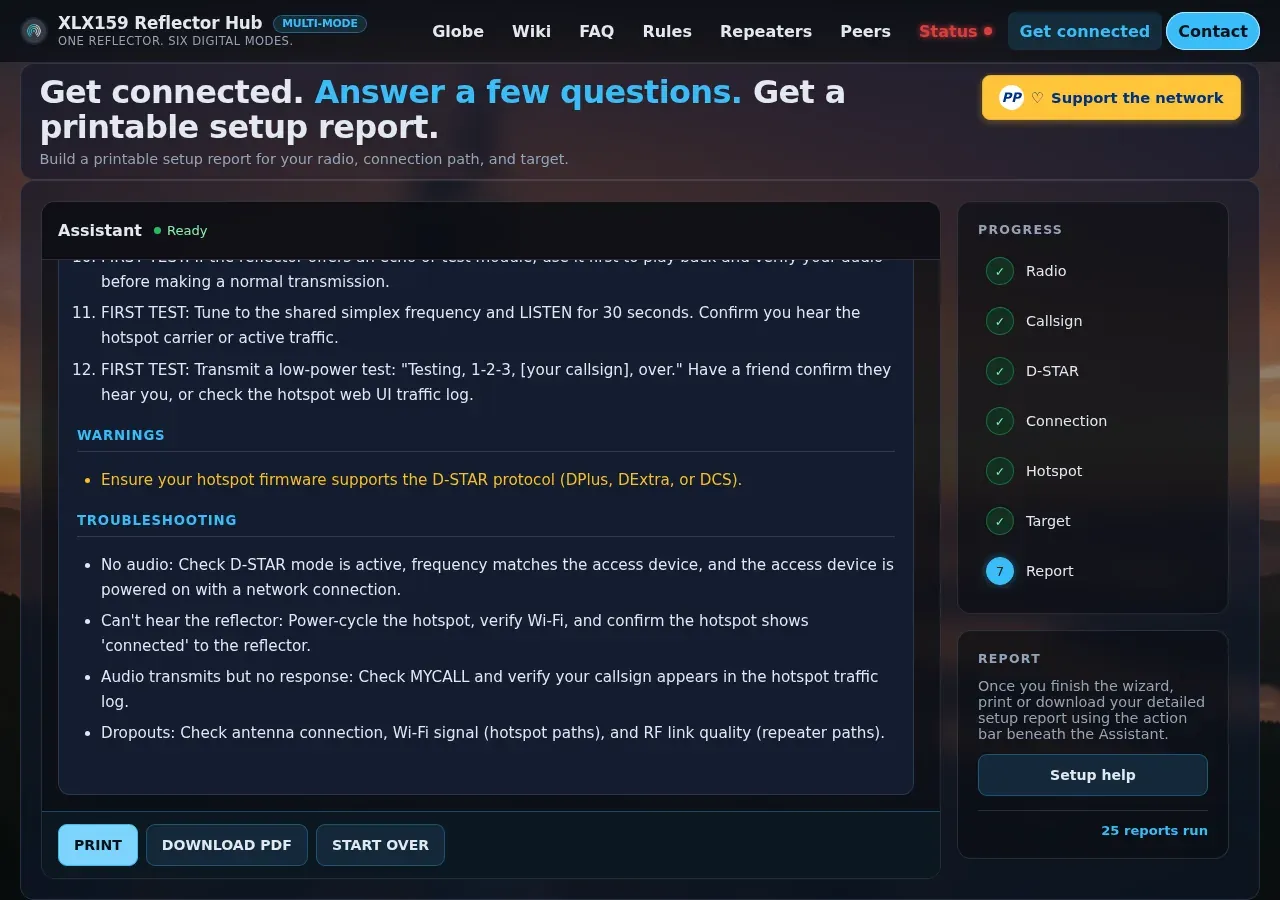
The report ends with warnings and a troubleshooting list. No audio, can't hear the reflector, transmitting with no response, and dropouts each get a plain fix. Hit Print or Download PDF and you have a sheet to take to the bench, or to a club meeting where someone can help you through it.
For clubs and Elmers
The report also works as a teaching sheet. An Elmer can sit down with a new ham, run the assistant on a phone or laptop, and print the result. The new ham goes home with written steps for their own radio instead of a generic handout. If your club wants a home on a reflector, Modules G and H on XLX159 are open, and the contact form on the site is the place to ask.
Try it
Get Connected is free at xlx159.whiskey7.site/getconnected, and you don't need an account. If your radio or hotspot isn't in the list, or a step in your report doesn't match what you see on your gear, use the contact form on the site and let us know.
73, Brent Conklin, W7BR
Brent Conklin, W7BR, owns and operates the XLX159 reflector and its website, xlx159.whiskey7.site. He also owns whiskey7backroads.com, where he writes about ham radio and overlanding.
About the Author
Brent Conklin
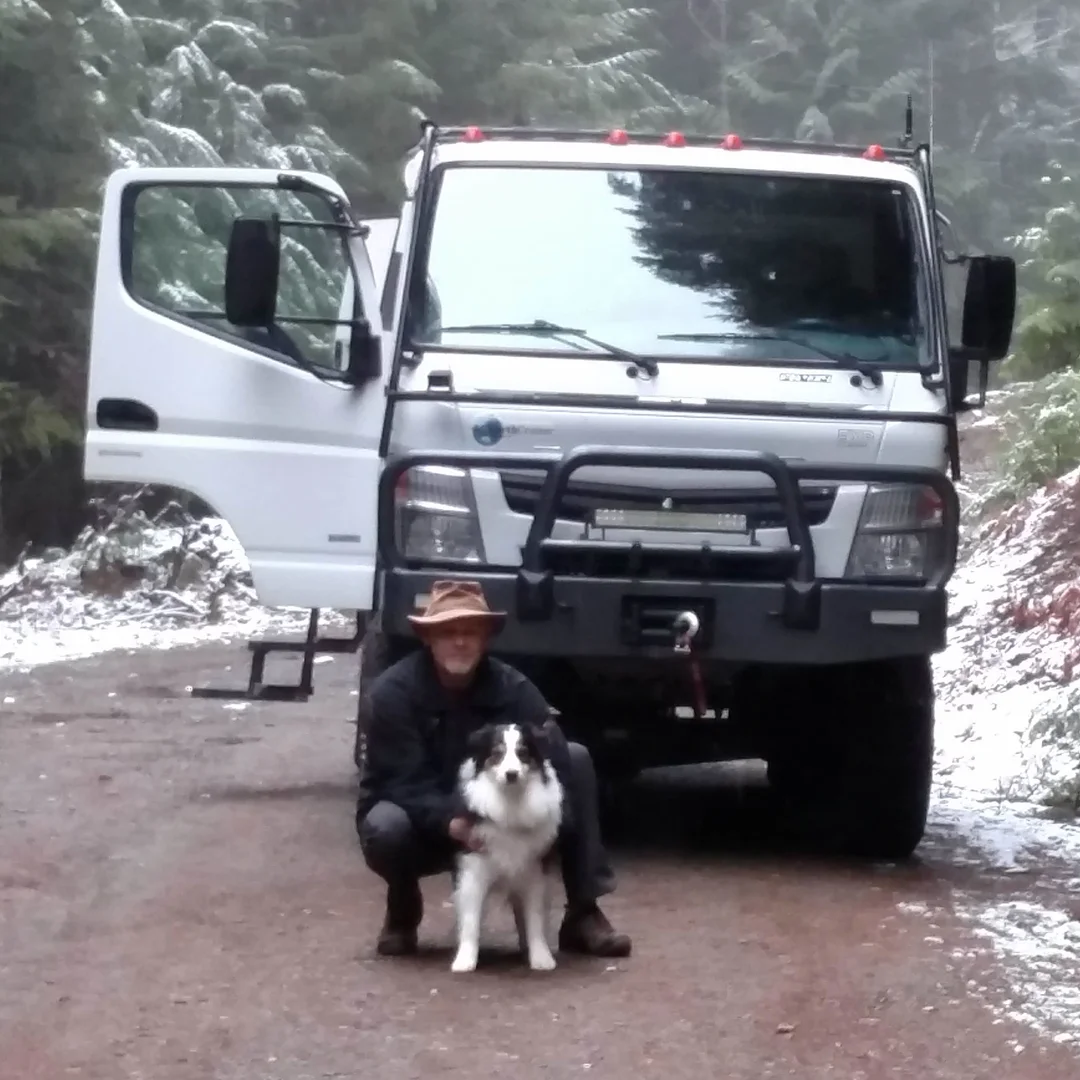
Owner of Whiskey7backroads and avid explorer. I am a Ham Radio extra class operator and frequent the Old Miss Net. I have been married for 37 years to Cheryl and we have 2 boys and 2 dogs.